GPT Image 2 Cinematic Spotlight Museum Portrait
Use my reference photo to preserve the exact facial features, hairstyle, bangs, facial proportions, skin tone, body posture, and...
把 GPT Image 2 的静帧生成、构图保持、时间码、镜头运动、动作提示和冲突检查做成一个虚构视频预演交付界面:First Frame、Motion Path、Camera Move、Timing、Last Frame 串成 Moonlit Ferry 的连续 motion handoff,让视频团队能看到 cue 是否一致。
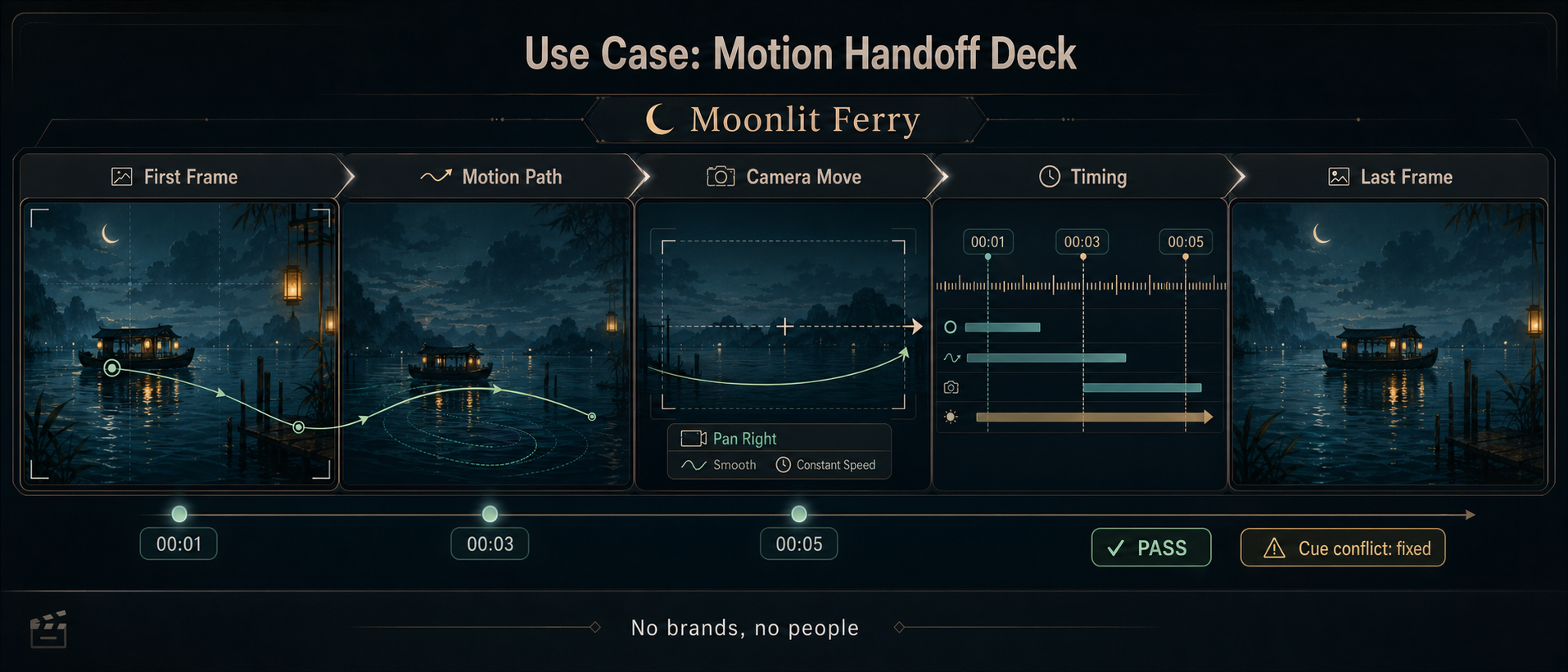
Use this as a reference for Camera Move, Cue Conflict, First Frame, Motion Handoff Deck workflows, prompt structure, visual constraints, and output review.
Create one polished public-gallery concept image titled exactly "Use Case: Motion Handoff Deck".

Output format: one ultra-wide 21:9 cinematic workflow strip, a single continuous previsualization interface, not a contact sheet, not a grid poster, not a physical product photograph, not a tabletop game, not a macro object.

Scene: a fictional creative studio screen for GPT Image-style generation, showing how a still-image idea becomes a motion handoff for a video team. The project is fictional and called "Moonlit Ferry". The main canvas is a continuous horizontal timeline with five connected zones: "First Frame", "Motion Path", "Camera Move", "Timing", "Last Frame". Use flowing arrows, translucent motion trails, timestamp markers, and small pass/fail evaluation chips.

Exact short readable text to render: "Use Case: Motion Handoff Deck", "Moonlit Ferry", "First Frame", "Motion Path", "Camera Move", "Timing", "Last Frame", "00:01", "00:03", "00:05", "PASS", "Cue conflict: fixed", "No brands, no people". Keep text short and legible; do not add long paragraphs or random text.

Visual content inside the deck: an invented quiet night ferry silhouette crossing an imaginary lagoon, abstract lantern reflections, a simple crescent moon icon, and a final frame thumbnail with the ferry slightly farther right. No real city, no real logo, no famous location. The deck should show a first-frame image, motion arrows over water ripples, a camera-pan diagram, a timing ruler, and a final-frame preview all connected as one workflow.

Mechanism: demonstrate that GPT Image can be used to make a static storyboard handoff: separate composition from motion instructions, preserve the same fictional subject across frames, expose camera/action/timing fields, catch contradictory cues, and create a clean artifact for a video prompt or animatic review.

Style: premium product-design interface mixed with cinematic storyboard art, crisp vector-like UI overlays on soft illustrated thumbnails, off-white and graphite UI, deep teal water, amber lantern accents, high contrast, exact alignment, sophisticated but not corporate-generic. No purple-dominant palette, no decorative orbs, no watermark.

Safety and rights: fictional project and fictional place only, no real brands or trademarks, no public figures, no politics, no dangerous instructions, no adult or explicit content, no gore or violence, no copyrighted characters, no living-artist style imitation, no source image reuse.
Source note: Prompt concept generated locally after a fresh source sweep. External sources informed only abstract patterns: community gallery metadata cards, direct prompt iteration, image-to-video motion/camera cue separation, prompt-to-infographic workflow surfaces, and compositional evaluation chips. No external prompt text, image, source image, brand, character, artwork, or protected style was reused.
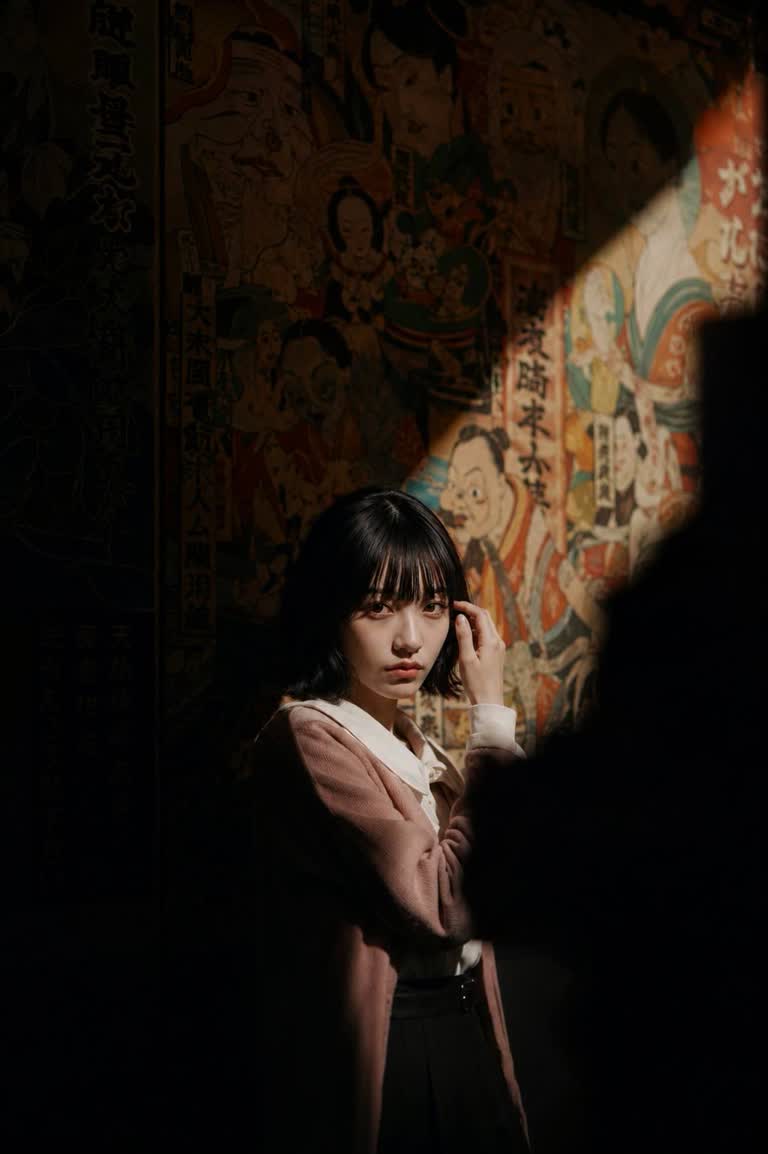
Use my reference photo to preserve the exact facial features, hairstyle, bangs, facial proportions, skin tone, body posture, and...
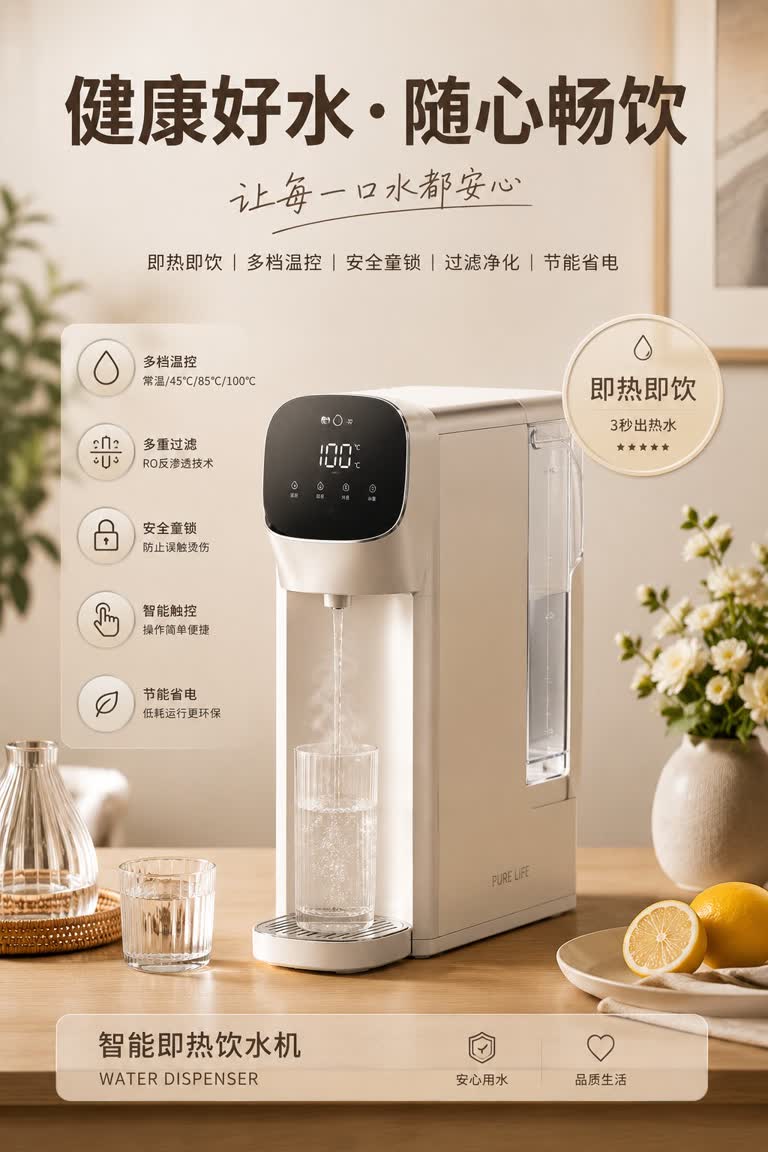
请生成一张高质感家电产品广告海报,主体为「{主体}」。以主体为视觉核心,自动适配其对应的生活方式场景、辅助物品、装饰元素、关键词、卖点徽章、功能图标说明与整体色彩风格。画面布局为:顶部大号主标题 + 手写感副标题 + 关键词;中部主体产品置于符合其使用逻辑的...
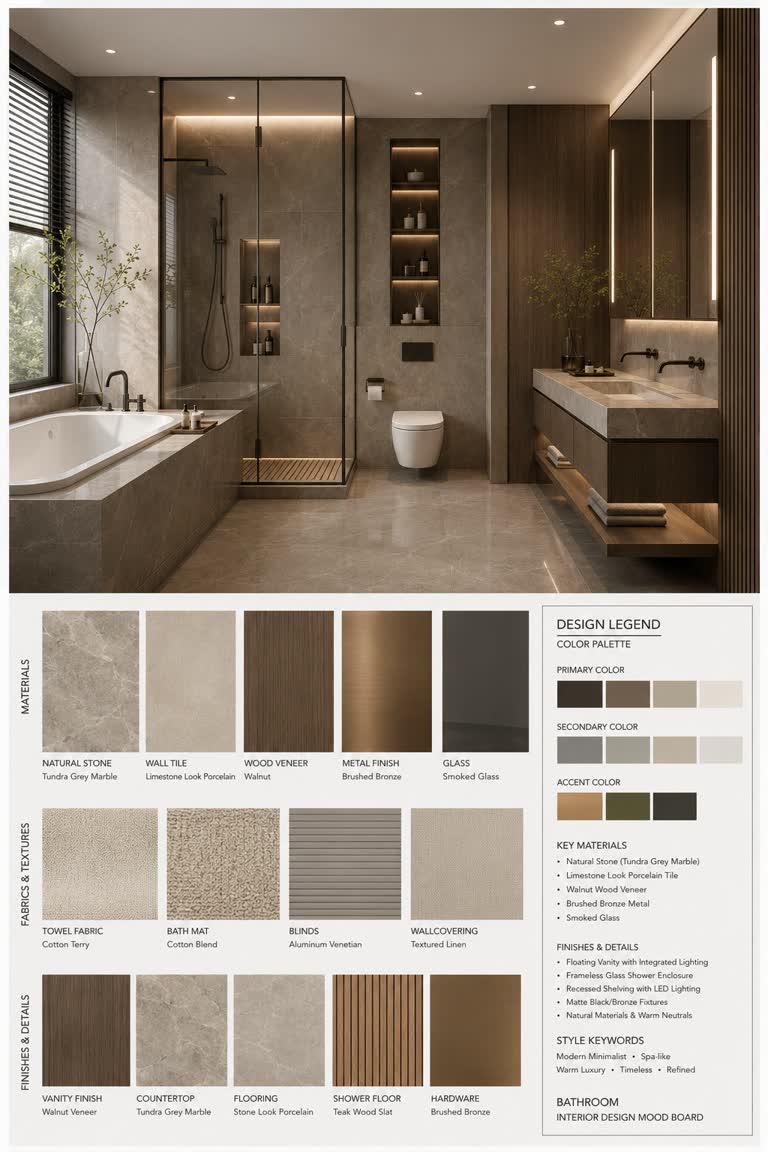
(室内设计情绪板生成器 / Interior Design Mood Board Generator) 你是一名专业的室内设计 Mood Board 创作者。请基于用户提供的 [Space Type] 室内设计照片,生成一张 竖版 3:4 的高端室内设计情绪...
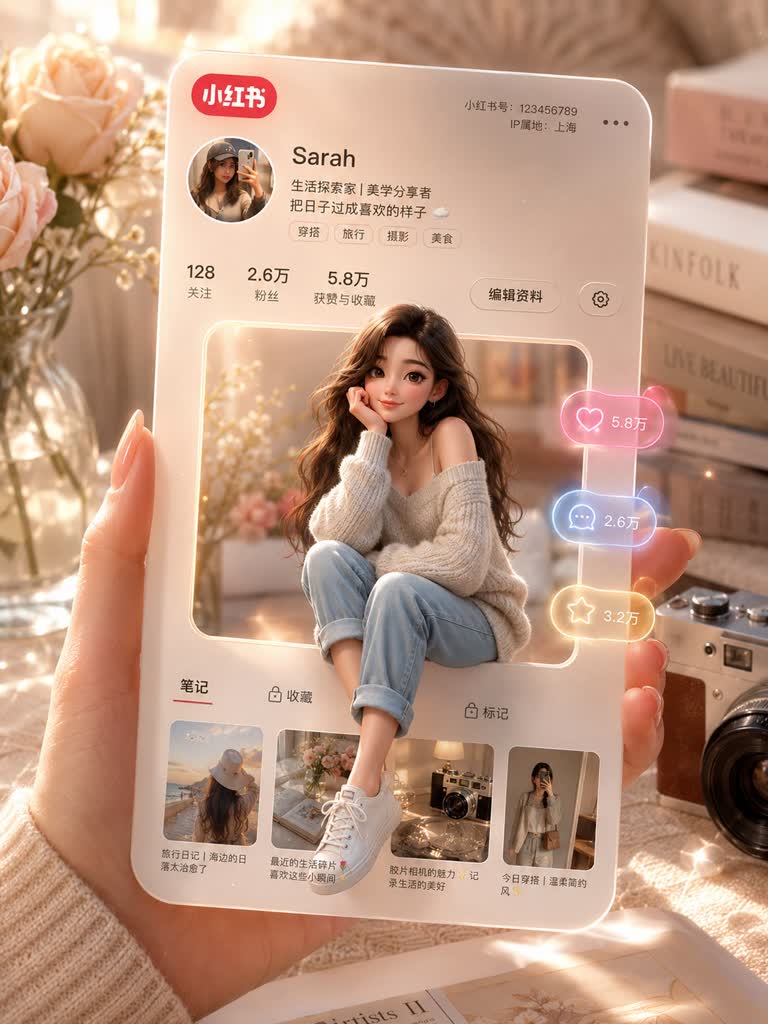
一只手中握着一张3D小红书个人资料卡,卡片中间方形镂空,一个女孩随意地坐在卡片镂空的边缘,温暖的米色和柔和的粉彩美学背景,逼真的深度和阴影,电影般的柔和光线,闪亮光滑的纹理,小红书风格的UI,漂浮的互动图标(点赞、评论、分享)带有发光的霓虹效果,闪光和光晕,...
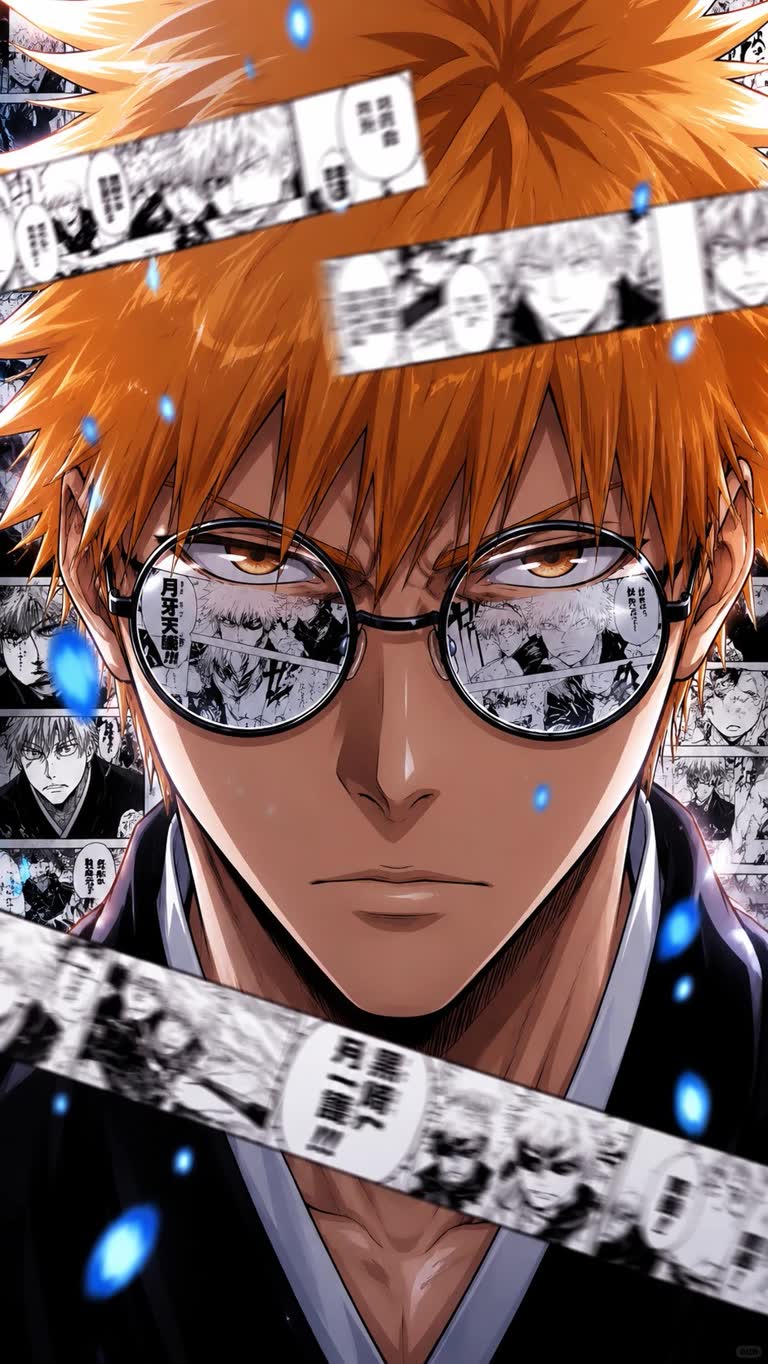
🤣小时候看《Bleach》: “卍解!!!” 长大后玩 AI: “镜片里倒映漫画分镜 + 前景动态条漫 + 蓝色灵压粒子 + 日漫拼贴构图 + 电影级光影 + 超近景压迫感……” 以前以为久保带人是在画漫画。 现在发现他其实是在提前给 GPT-Image-...
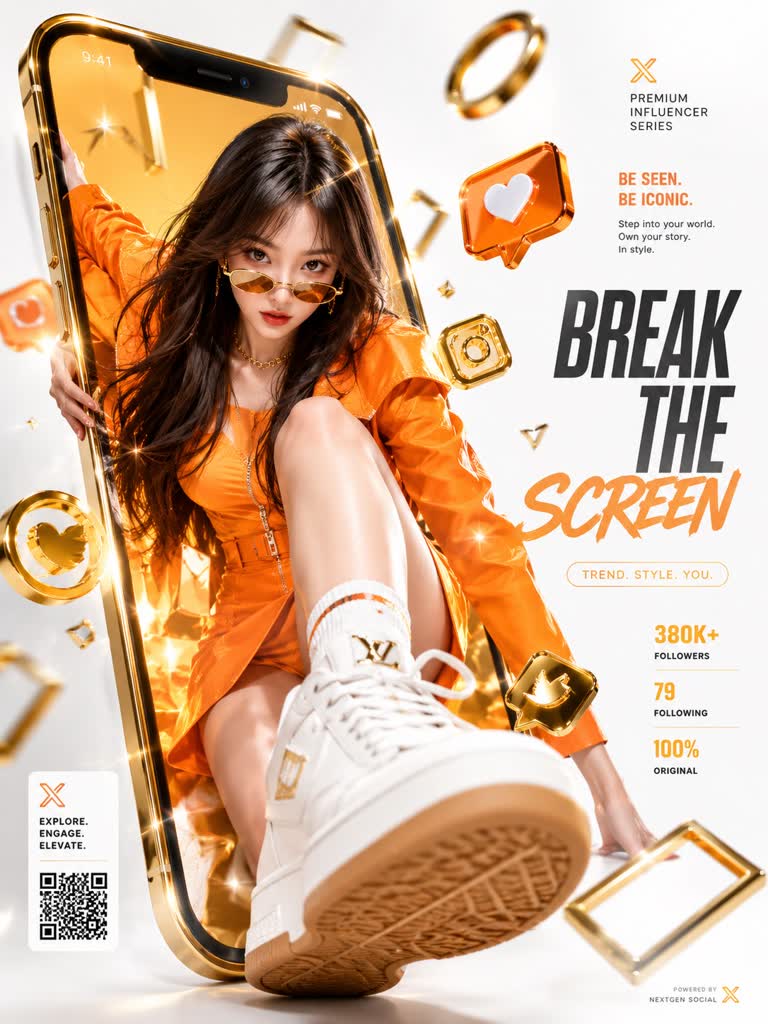
动态的豪华商业广告海报,特色是超现实3D渲染的充满活力的年轻女性,以上传的女性面部作为参考,穿着高级亮橙色设计师服装、豪华配饰以及时尚的金色墨镜,自信地从一个巨大的金色智能手机屏幕中爆发出色。她的姿势有力且时尚,一只运动鞋通过强烈的强制透视戏剧性地穿过数字显...