Use Case: Readable Menu Rescue
Create a single finished GPT Image 2 use-case demo image, portrait A4 ratio, titled in small crisp English text: "Use Case: Reada...
把 GPT Image 2 的短文本、局部改写、多语言标签、对比度修复和一致性检查做成一个虚构博物馆标签修复控制台:Source Label、Text Check、Translate、Contrast Fix、Alt Text 和 Final Wall Card 让同一个 River Clock No. 3 图标与标题在 before/after 工作流中保持一致。
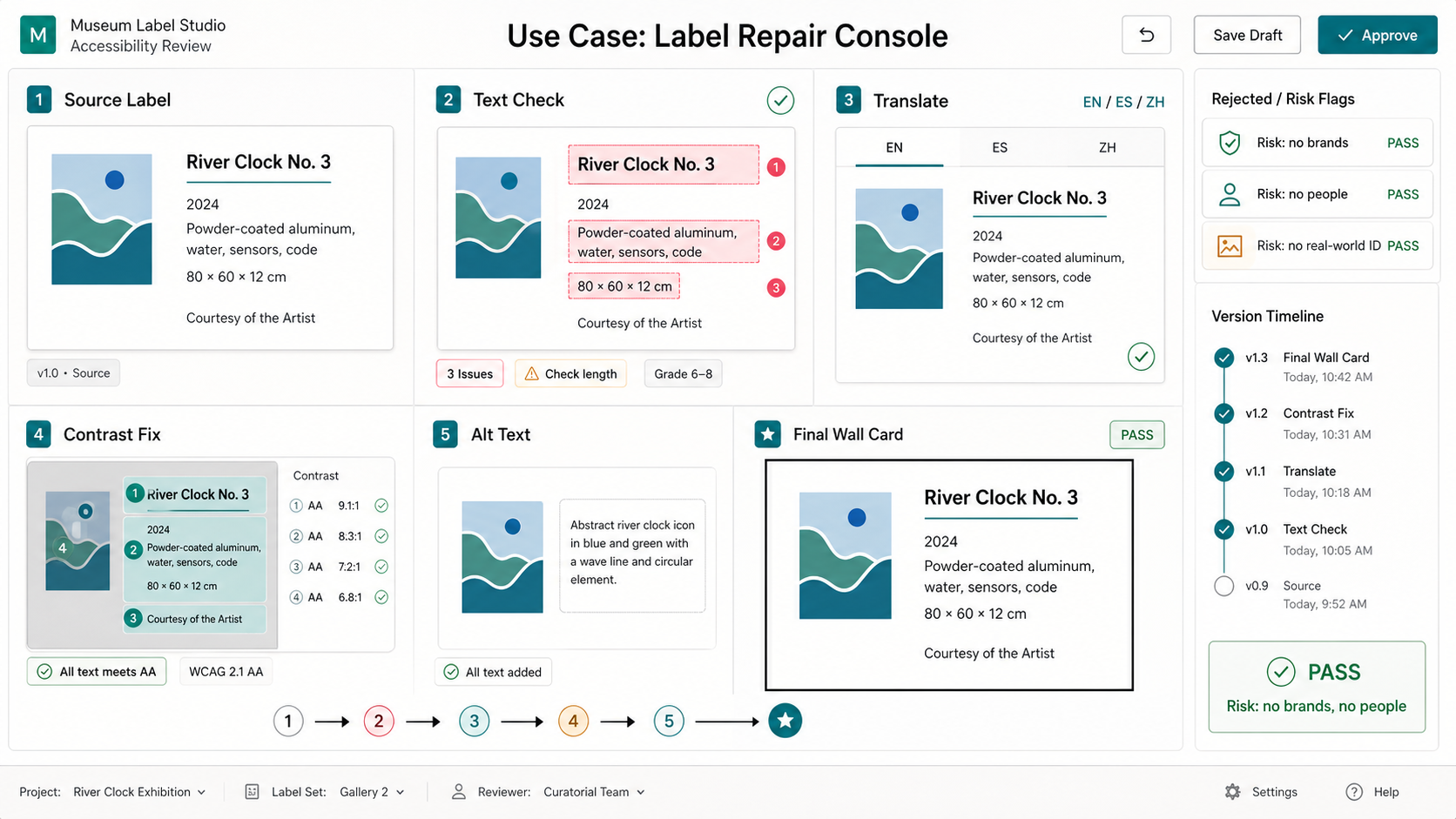
Use this as a reference for Accessibility, Alt Text, Contrast Fix, Label Repair Console workflows, prompt structure, visual constraints, and output review.
Create one polished public-gallery concept image titled exactly "Use Case: Label Repair Console".

Output format: one 16:9 high-resolution desktop UI/workflow mockup, not a physical product photograph, not a macro object, not a tray, not a research board, not a contact sheet. Show a fictional museum-label repair console for GPT Image-style image generation and editing.

Scene: a clean accessibility review interface on a neutral workstation screen. The central canvas shows a fictional exhibit wall label for an invented object named "River Clock No. 3" with a small abstract blue-green icon, not real artwork. Around it are five distinct workflow zones: Source Label, Text Check, Translate, Contrast Fix, Final Wall Card. Include a clear before/after flow arrow and a small side panel of rejected-risk flags.

Exact short readable UI text to render: "Source Label", "River Clock No. 3", "Text Check", "Translate", "EN / ES / ZH", "Contrast Fix", "Alt Text", "Final Wall Card", "PASS", "Risk: no brands, no people". Keep all text short and legible; do not add long paragraphs or random text.

Mechanism: show how image generation can revise text in place, preserve layout, localize short labels, improve contrast, add alt-text thinking, and keep a fictional exhibit icon consistent across panels. Use subtle colored overlays for edit masks and contrast zones, small checkmarks, and a version timeline. The visual should feel like a real UX prototype screenshot for designers and museum educators.

Visual style: crisp modern UI, off-white canvas, charcoal text, teal and amber accents, accessible contrast, precise alignment, flat panels, small annotation chips, clean charts, no decorative gradient orbs. Professional SaaS/product-design quality, informative but visually rich.

Safety and rights: fictional museum, fictional exhibit, fictional data, no real museum names, no real brands or trademarks, no public figures, no politics, no harmful instructions, no adult or explicit content, no gore or violence, no copyrighted characters, no living-artist style imitation, no watermark.
Source note: Prompt concept generated locally after a fresh source sweep. External sources informed only abstract patterns: gallery metadata cards, text/typography constraints, multilingual UI use cases, evaluation/failure-mode checkpoints, and storyboard/workflow sequencing. No external prompt text, image, source image, brand, character, artwork, or protected style was reused.
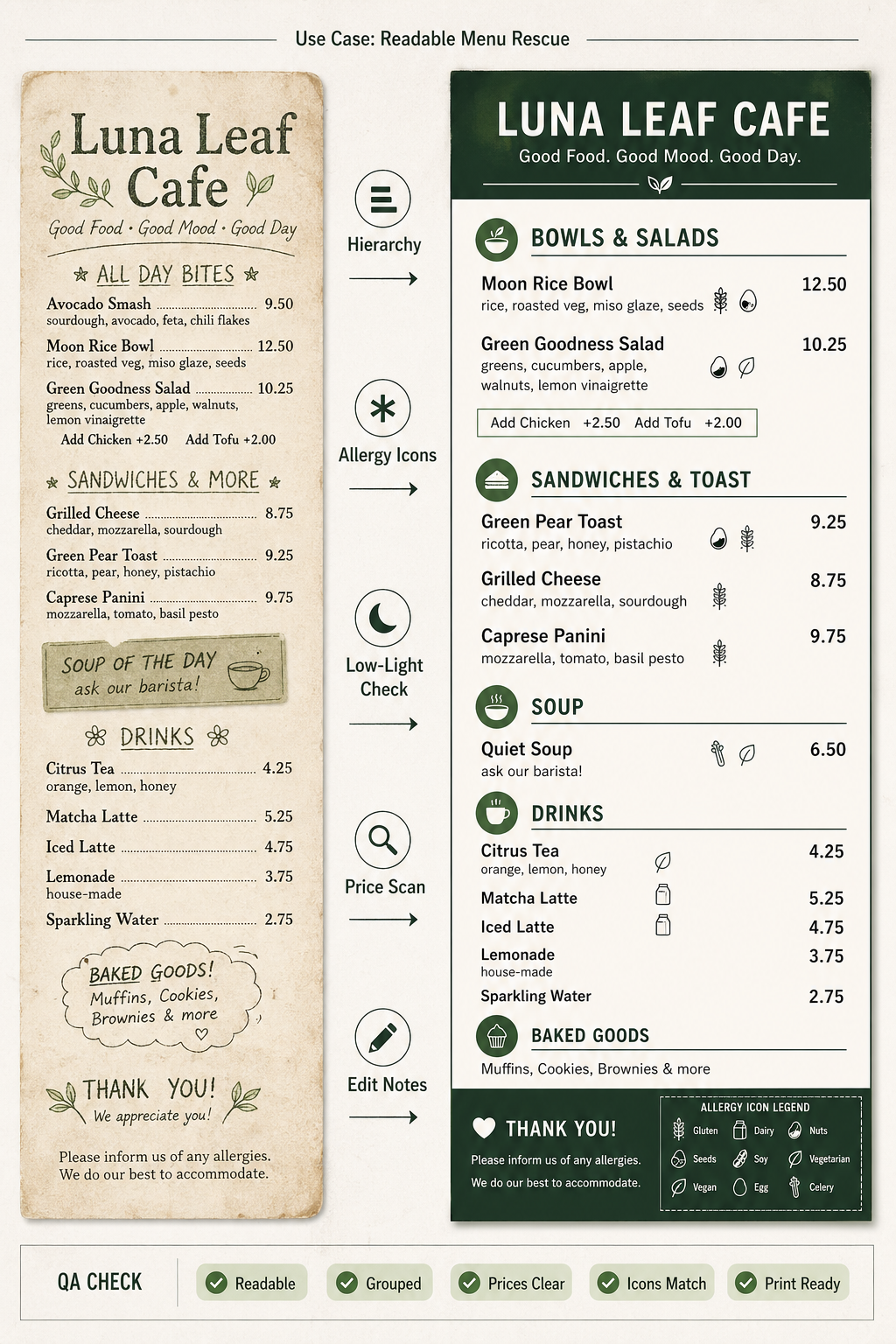
Create a single finished GPT Image 2 use-case demo image, portrait A4 ratio, titled in small crisp English text: "Use Case: Reada...
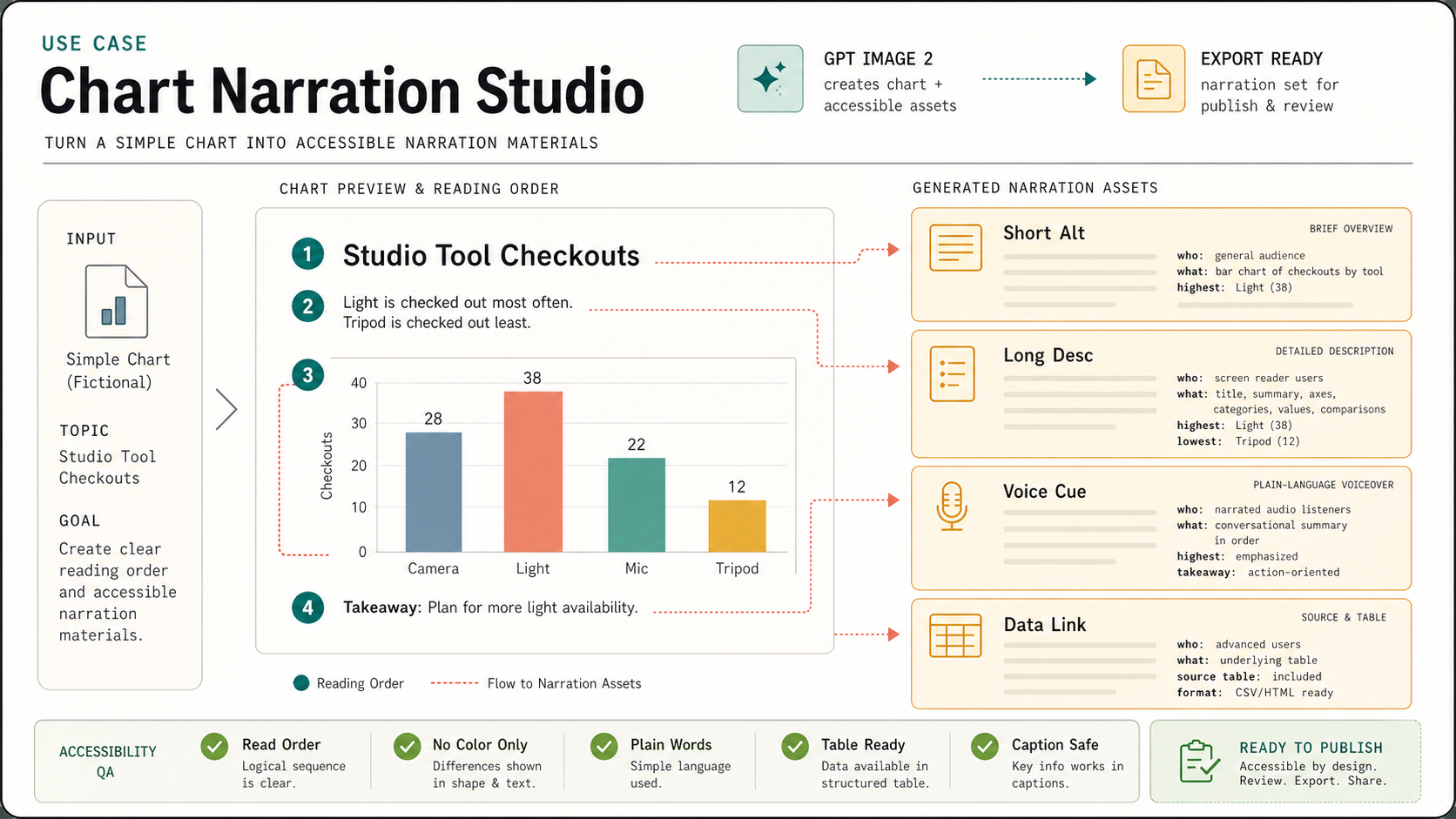
Create one polished public-gallery concept image titled exactly "Use Case: Chart Narration Studio". Use case: accessibility mater...
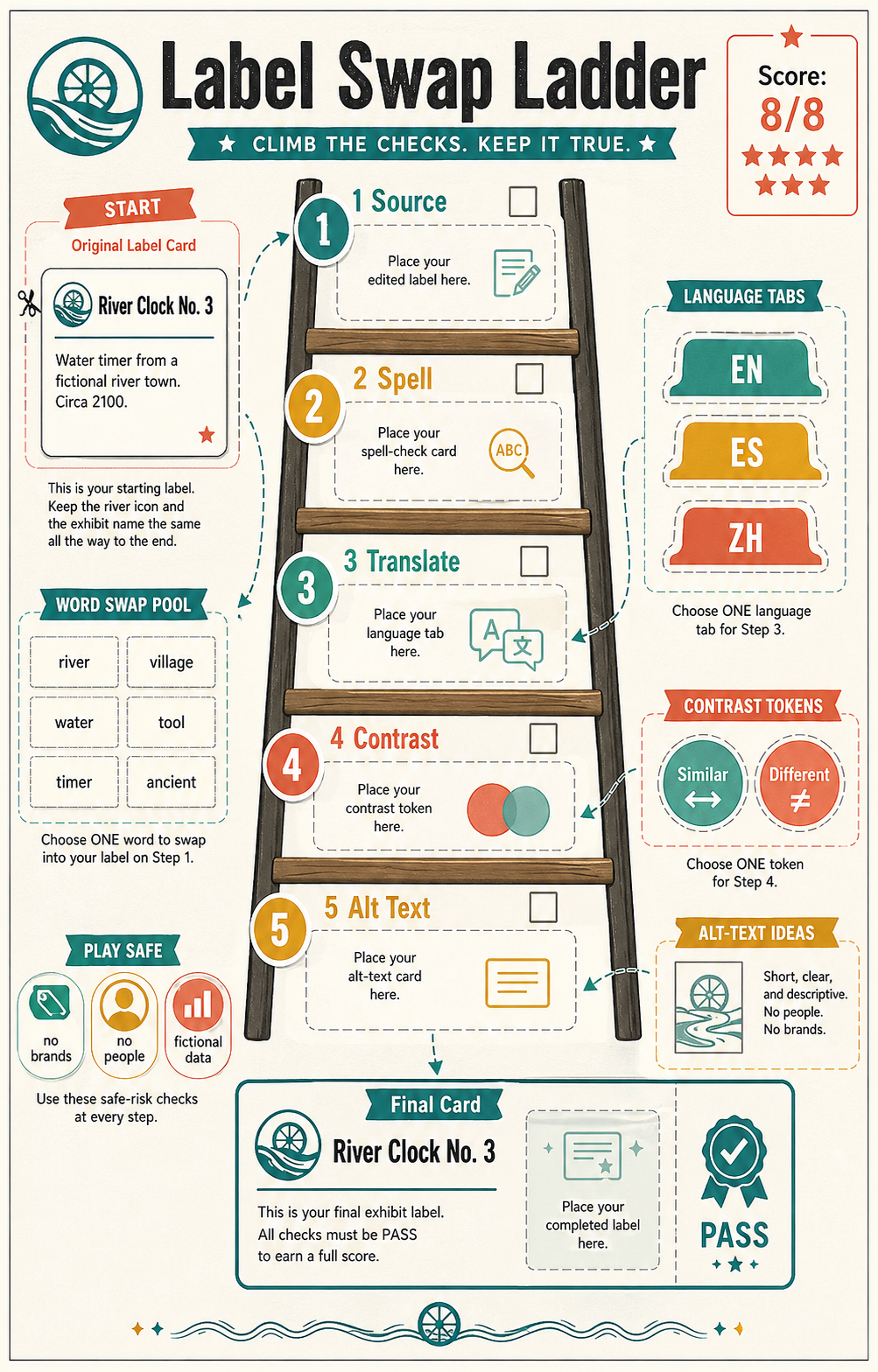
Create one polished public-gallery image titled exactly "Derived Play: Label Swap Ladder". This is derived from the Label Repair...
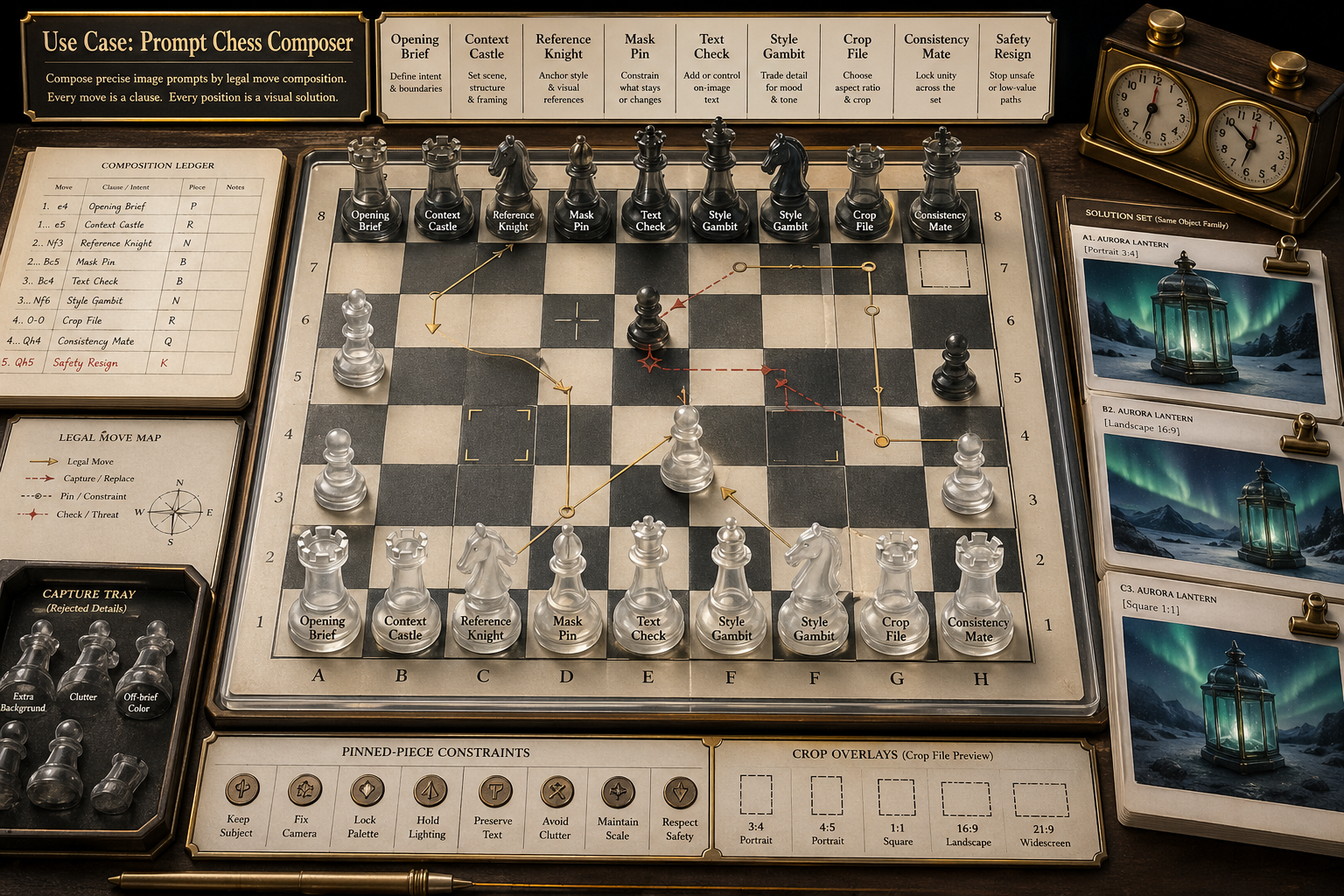
Create a single polished gallery image for a new GPT Image 2 use case titled Use Case: Prompt Chess Composer. Show a fictional vi...
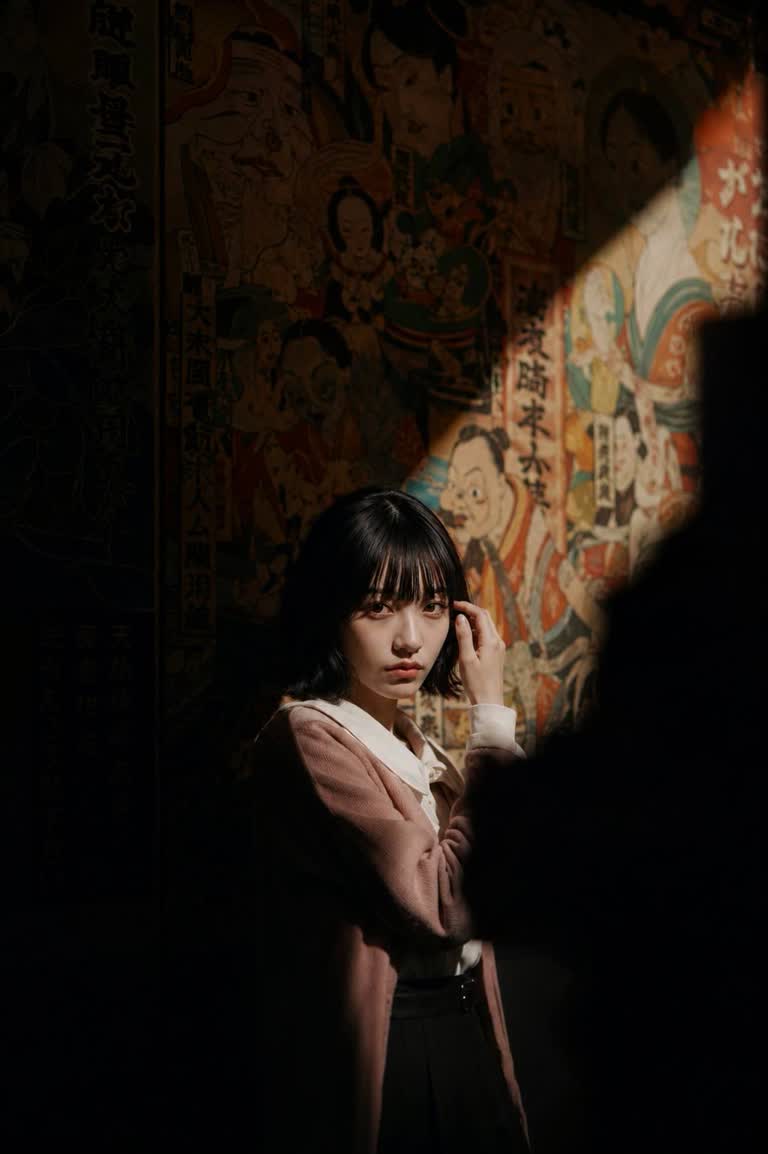
Use my reference photo to preserve the exact facial features, hairstyle, bangs, facial proportions, skin tone, body posture, and...
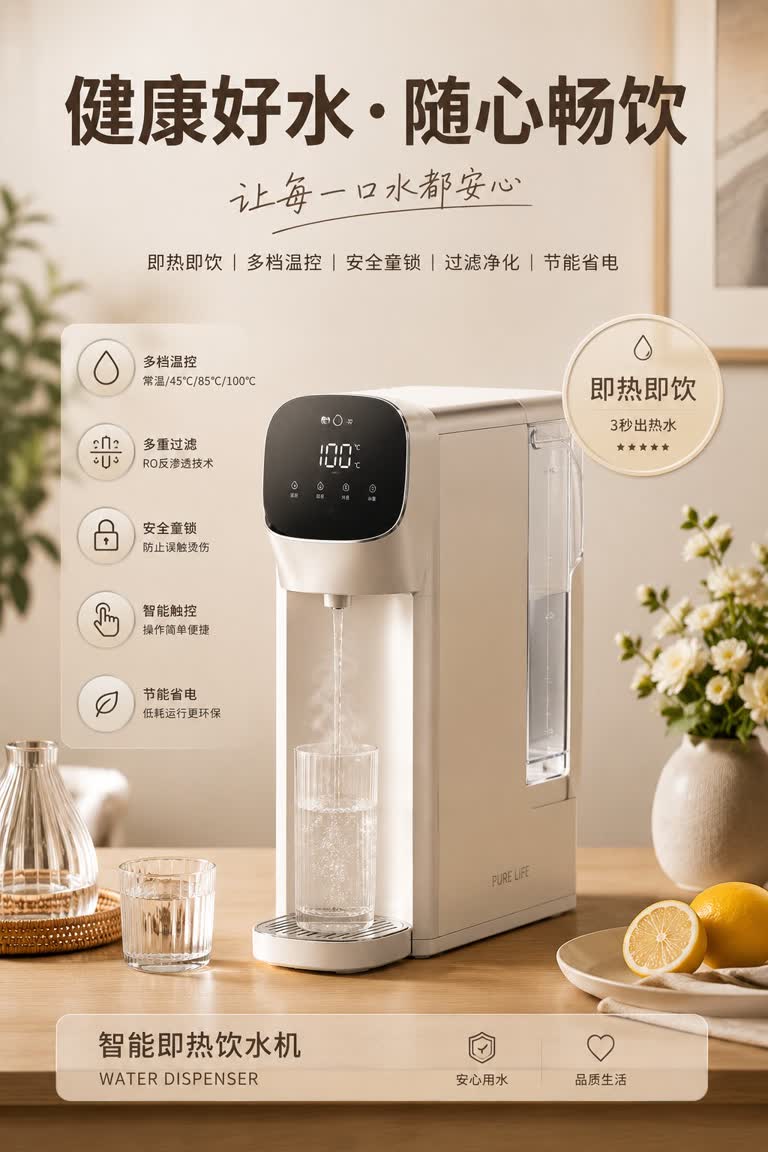
请生成一张高质感家电产品广告海报,主体为「{主体}」。以主体为视觉核心,自动适配其对应的生活方式场景、辅助物品、装饰元素、关键词、卖点徽章、功能图标说明与整体色彩风格。画面布局为:顶部大号主标题 + 手写感副标题 + 关键词;中部主体产品置于符合其使用逻辑的...